Gameplay Systems
Responsive mechanics, player interaction, and reusable gameplay architecture.

Selected Engineering Work
Gameplay Systems Programmer
Technical Foundations
I approach game development by building systems that are understandable, maintainable, and satisfying to interact with. My focus spans gameplay programming, character movement, technical tools, and AI-enhanced experiences.
Responsive mechanics, player interaction, and reusable gameplay architecture.
Locomotion, state machines, animation integration, and foot placement.
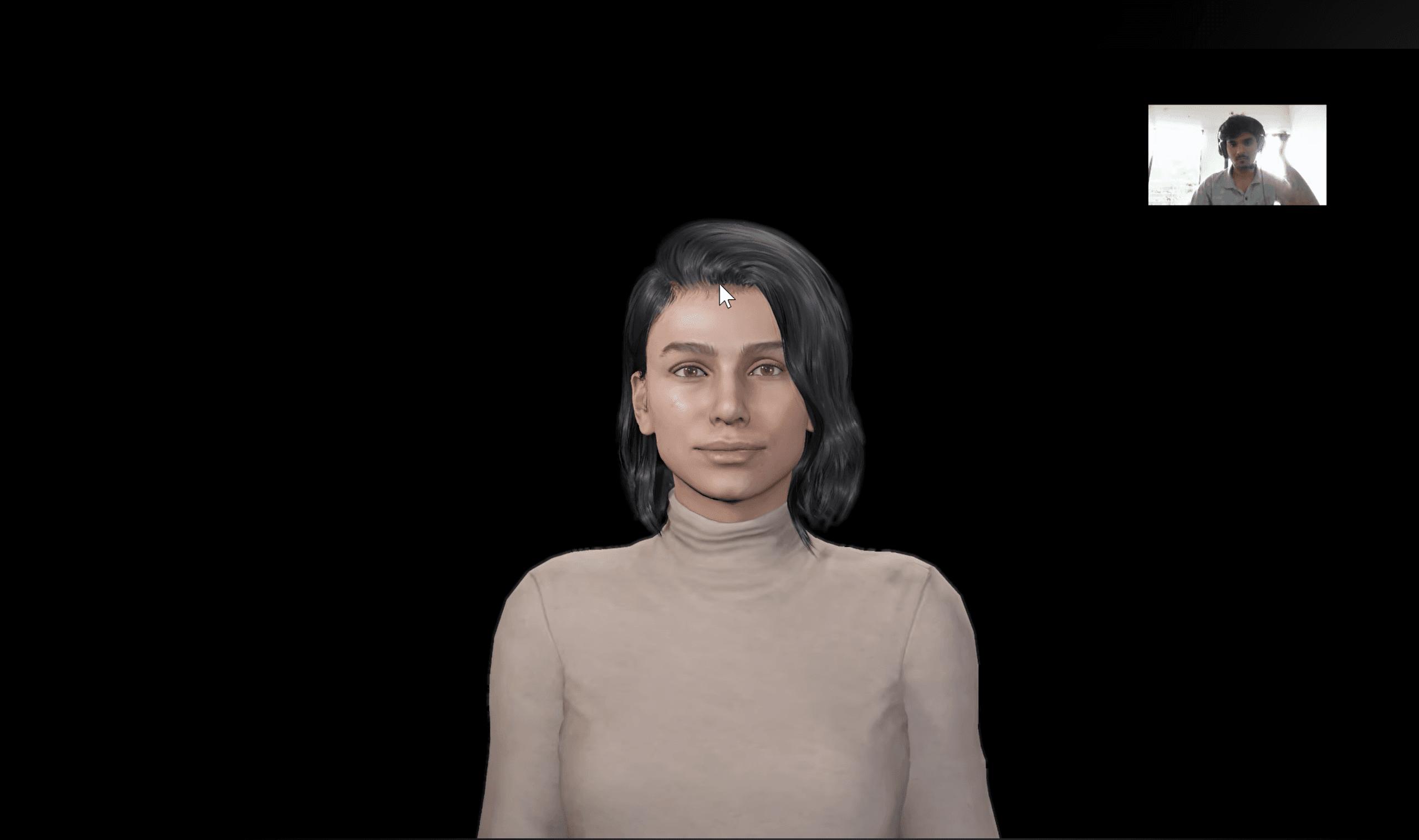
AI-driven NPCs, perception experiments, and real-time integrations.
Immersive interaction prototypes and development using Meta XR tools.
Selected Engineering Work
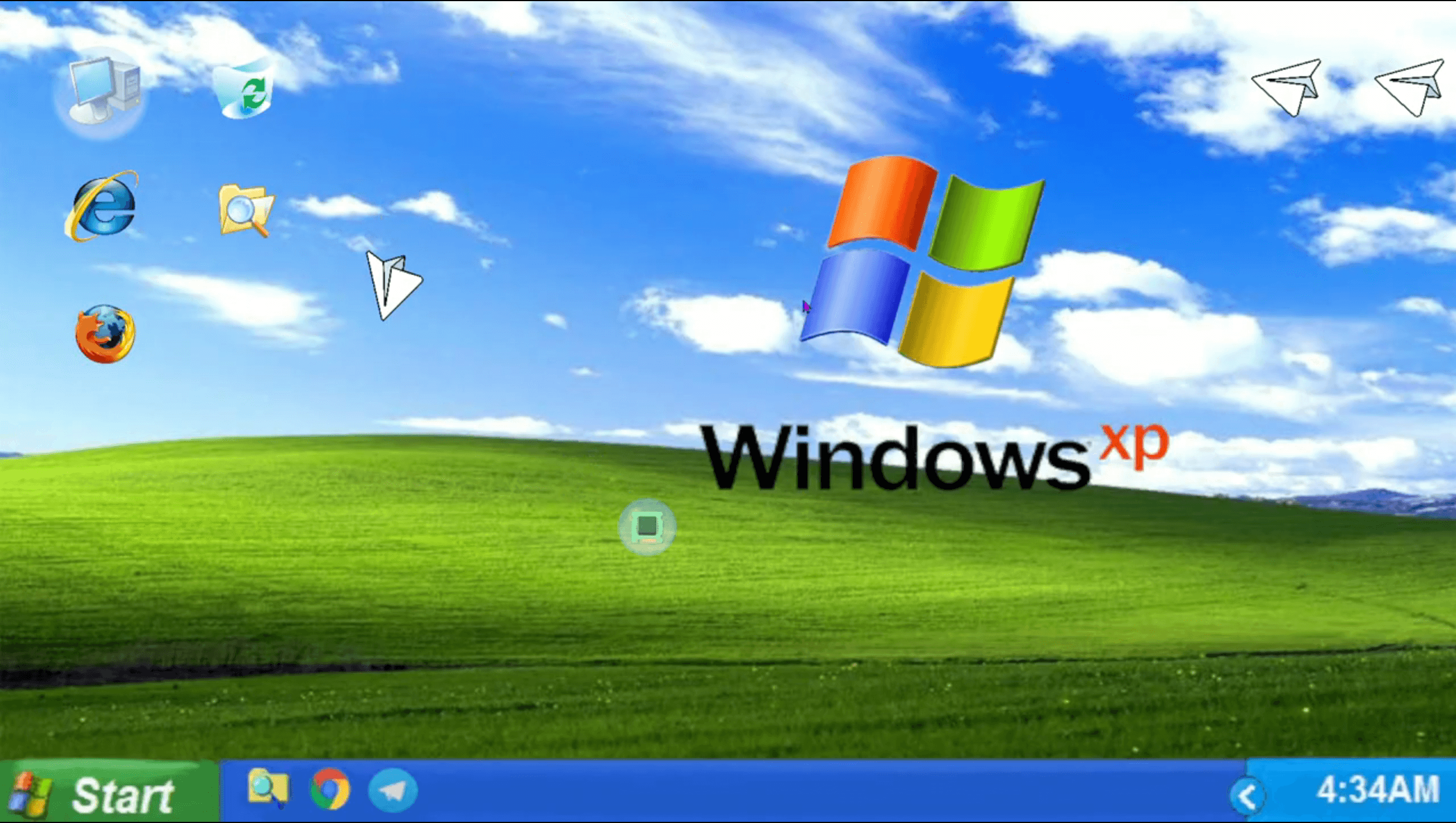
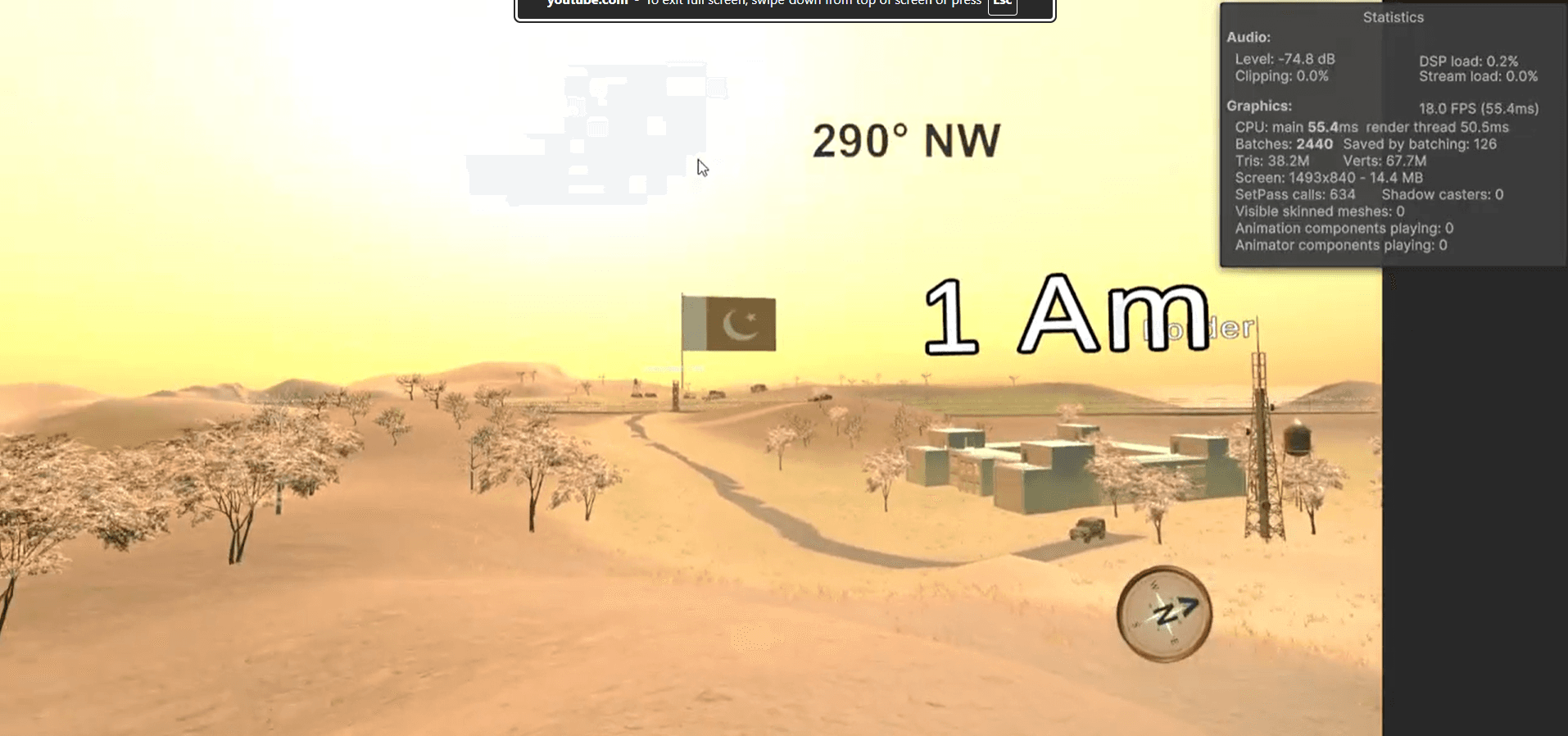
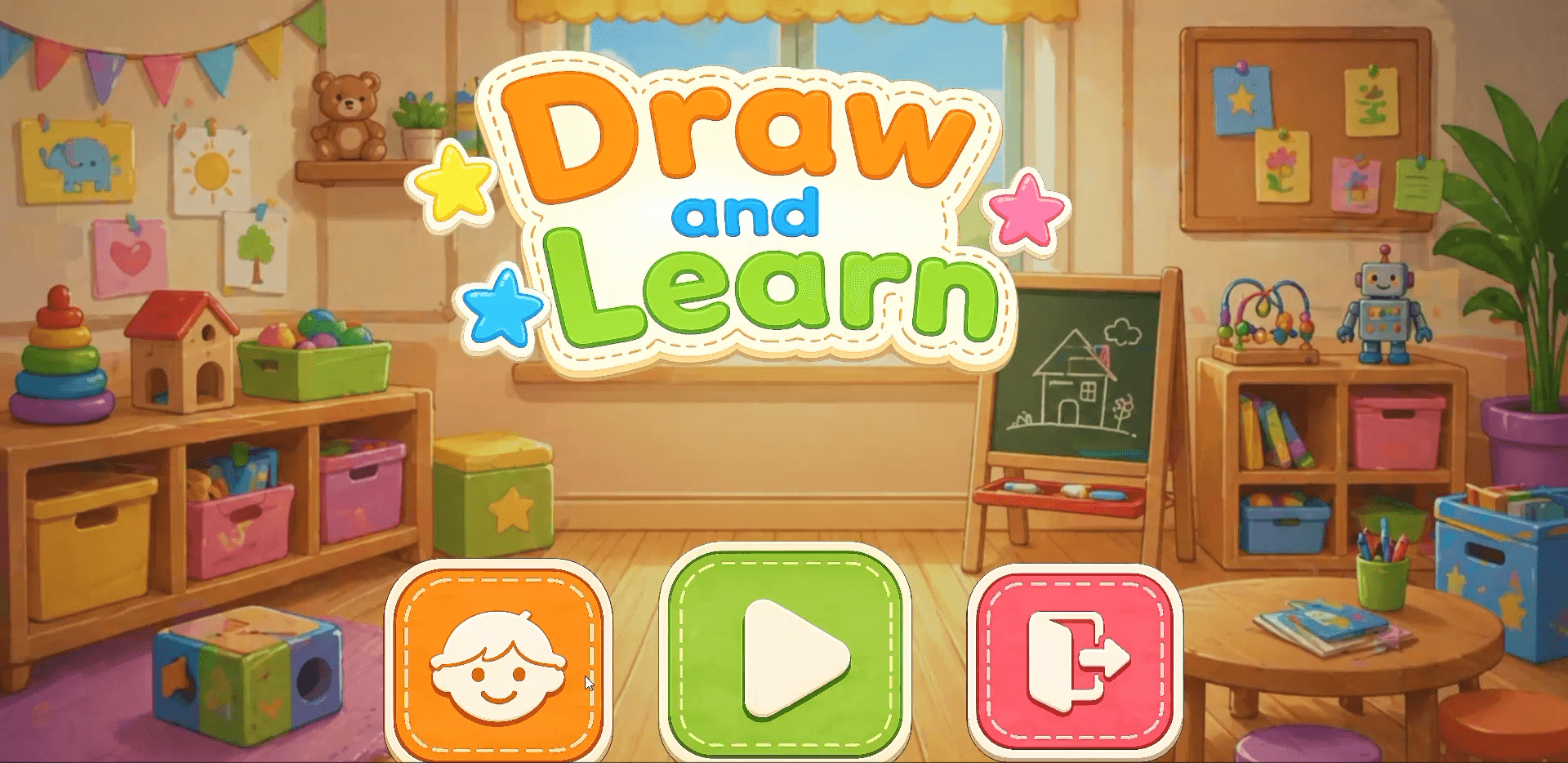
A selection of gameplay systems, interactive AI prototypes, and technical experiments focused on engineering real-time experiences.
Technical Arsenal
The engines, programming languages, and technical workflows I use to build interactive systems.
Designing responsive and reusable gameplay systems.
Building maintainable, performance-conscious systems.
Developing real-time interactive experiences.
Connecting intelligent systems with real-time experiences.
Building immersive experiences and production workflows.
Engineering Architecture
Responsive gameplay requires more than implementing movement mechanics. Input, game state, simulation, and animation must work together without becoming tightly coupled.
I structure gameplay features around clear responsibilities so systems remain easier to debug, tune, extend, and reuse as the project grows.
More About My ApproachArchitecture Concept
Collects player intent and manages input buffering.
Controls movement states and valid transitions.
Processes velocity, gravity, and grounded behavior.
Translates movement into responsive animation and foot placement.
Simplified view of how input, state, simulation, and animation responsibilities can be separated in a gameplay controller.
Development Process
My development workflow focuses on validating mechanics early, building maintainable systems, and improving gameplay through testing and iteration.
Identify the player goal, desired behavior, and technical constraints.
Build a small playable version to validate the core mechanic.
Refine the prototype into modular, maintainable gameplay systems.
Debug edge cases, test responsiveness, and profile performance.
Use playtesting feedback to improve the mechanic and player feel.
The process is iterative: testing and playtesting can send a feature back into prototyping or engineering whenever the experience needs improvement.
Open to Opportunities
Interested in gameplay programming, real-time interactive systems, or technical collaborations? Explore my work or get in touch.